


Gaming has evolved dramatically over the past few decades. What started as simple pixelated experiences with basic controls has transformed into a sophisticated industry that prioritizes immersive storytelling, intuitive navigation, and seamless interaction. A significant driving force behind this transformation is the evolution of User Interface (UI) and User Experience (UX) design.
In the early days, UI/UX was primarily functional—players needed to see their scores, health bars, and remaining lives. But as technology advanced, so did expectations. Gamers now demand smooth, visually appealing interfaces that enhance rather than hinder their gameplay experience. Today, UX in gaming extends beyond mere design—it’s a psychological and strategic element that influences player engagement, retention, and overall satisfaction.
In this blog, we’ll explore the different phases of UI/UX development in gaming, the key milestones that shaped modern game design, and what the future holds for gaming interfaces.
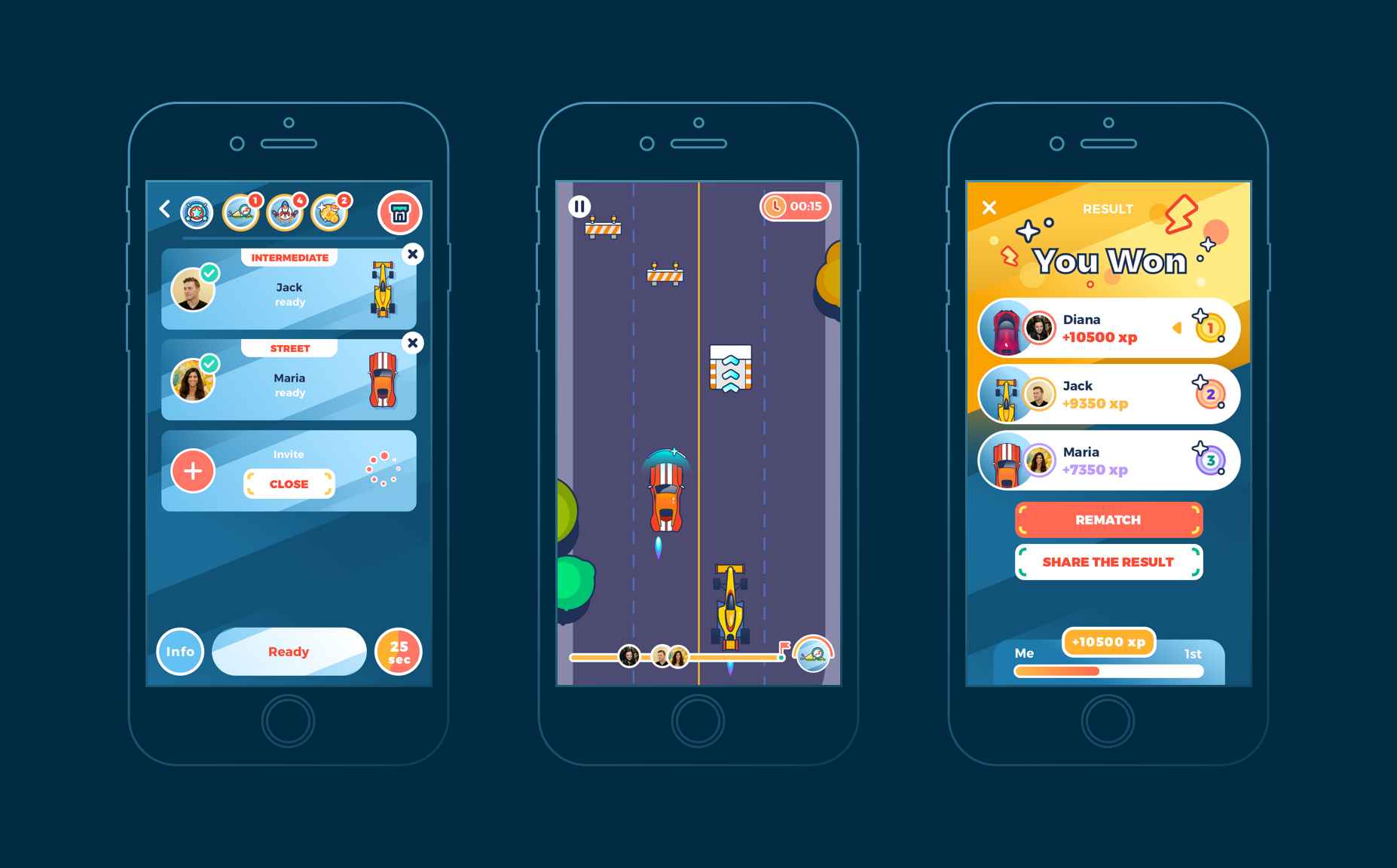
Image Credits - Tubik Blogs
The Early Days: Simplicity and Functionality
Gaming UI/UX started in the arcade era of the 1970s and 80s, where the primary goal was to keep things simple and functional. Since players had limited controls—usually a joystick and one or two buttons—the interface had to be intuitive and easy to grasp within seconds.
Key Characteristics of Early Gaming UI:
- Minimalistic HUDs (Heads-Up Displays): Early arcade games like Pac-Man and Space Invaders displayed only essential information, such as scores, high scores, and remaining lives.
- Fixed UI Elements: Interfaces were static, meaning the information was displayed the same way throughout the game without dynamic changes.
- Simple Color Schemes and Graphics: Given the hardware limitations, UI elements were often monochromatic or used basic pixelated graphics.
- Straightforward Controls: Limited input methods meant that UI had to be highly responsive and free from unnecessary complexity.
Despite its simplicity, this era laid the groundwork for core UI principles, emphasizing clarity, accessibility, and instant feedback.
The 90s: The Rise of In-Game Menus and Interactive HUDs
With the introduction of home consoles like the Super Nintendo Entertainment System (SNES) and Sony PlayStation, UI/UX in gaming became more complex and feature-rich. Games were no longer designed for quick arcade sessions but for extended play, meaning they needed better navigation, more in-depth interactions, and efficient menu systems.
Innovations in UI/UX During the 90s:
- In-Game Menus: Unlike arcade games that had minimal UI elements, console games introduced inventory systems, settings menus, and save/load screens.
- Interactive HUDs: Games like The Legend of Zelda: Ocarina of Time displayed dynamic health bars, inventory slots, and mini-maps, giving players better control over their experience.
- Story-Driven UI Elements: With the rise of RPGs (Role-Playing Games) like Final Fantasy VII, UI started incorporating elements that enhanced storytelling, such as dialogue boxes and cutscene-driven interfaces.
- Better Navigation Systems: The introduction of 3D gaming required UI improvements that guided players through large, explorable environments.
The transition from 2D to 3D significantly influenced UI/UX design, leading to more interactive and immersive user experiences.
The 2000s: Personalization, Immersion, and Minimalism
By the 2000s, gaming had reached new levels of realism, with developers striving to create immersive, distraction-free experiences. Players wanted customization, cleaner interfaces, and better accessibility.
Key UI/UX Advancements in the 2000s:
- Diegetic UI: Games like Dead Space introduced UI elements that blended seamlessly into the game world—health bars displayed on the character’s suit, holographic inventory screens, and real-time map overlays.
- Customizable UI: PC gaming saw the rise of modifiable HUDs, allowing players to tweak interface elements based on their preferences. MMORPGs like World of Warcraft became pioneers of UI personalization.
- Streamlined Menus: Games started moving away from cluttered interfaces, opting for minimalist approaches that reduced cognitive overload and improved usability.
- Contextual UI Elements: Instead of always displaying every possible interaction, games introduced dynamic UI, which only appeared when necessary.
This period marked a shift toward player-centric design, ensuring that UI/UX complemented gameplay rather than distracting from it.
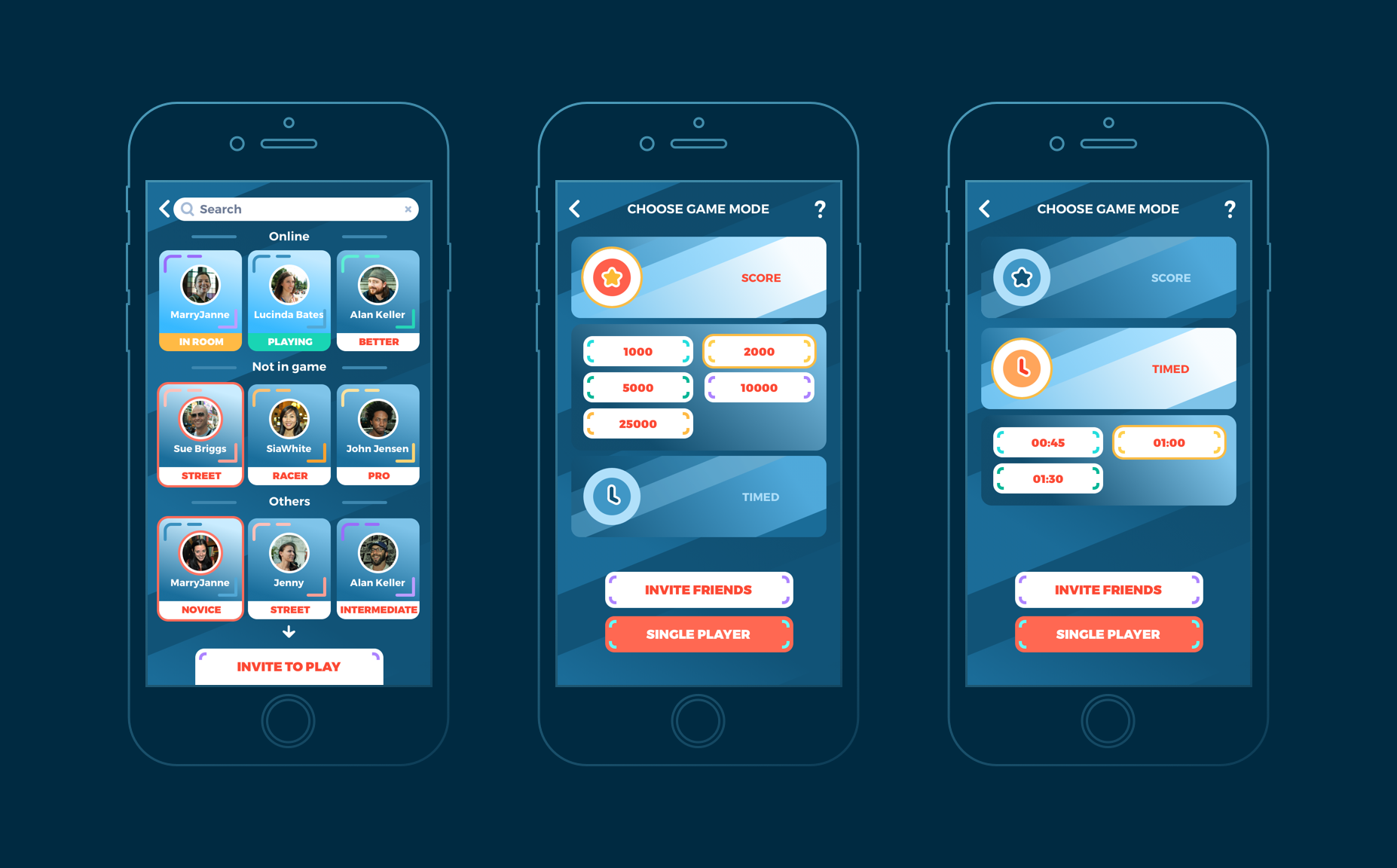
Image Credits - Tubik Blogs
The Present: UX as a Core Pillar of Game Design
Today, UI/UX in gaming is driven by player psychology. Developers rely on extensive user testing, data analytics, and behavioral science to refine interfaces. Games are now designed with accessibility, personalization, and engagement in mind.
Modern UI/UX Trends in Gaming:
- Adaptive UI: Some games, such as The Last of Us Part II, feature interfaces that dynamically adjust based on a player’s actions, reducing unnecessary on-screen elements when not needed.
- Seamless Navigation: Open-world games like The Witcher 3 use breadcrumb trails, interactive waypoints, and minimalistic maps to guide players naturally without cluttering the screen.
- Voice and Gesture Controls: Many modern games and consoles incorporate voice commands and gesture-based UI to improve accessibility.
- AI-Driven Interfaces: Machine learning is being integrated to analyze player behavior and adapt interfaces accordingly.
Developers now consider UX research a fundamental part of game development, ensuring that interfaces are fluid, engaging, and accessible to all players.
The Future: AI, AR, and VR-Driven UI/UX
As gaming technology advances, UI/UX will continue to evolve, leveraging AI, Augmented Reality (AR), and Virtual Reality (VR) to create next-level experiences.
Predicted UI/UX Trends for the Future:
- AI-Powered Interfaces: Machine learning will enable smart UI that adjusts to individual player preferences in real time.
- Augmented Reality Integration: AR will create overlays that enhance real-world environments, merging physical and digital gameplay elements.
- Virtual Reality UX Design: As VR technology improves, UI will transition from 2D screens to fully immersive 3D interfaces that react to player movements and gestures.
- Minimal UI in Hyper-Realistic Games: Some developers are experimenting with zero-HUD gameplay, where visual cues and in-world interactions replace traditional UI elements.
The future of gaming UI/UX is highly interactive, intelligent, and deeply integrated with player behaviors, making games feel more intuitive than ever before.
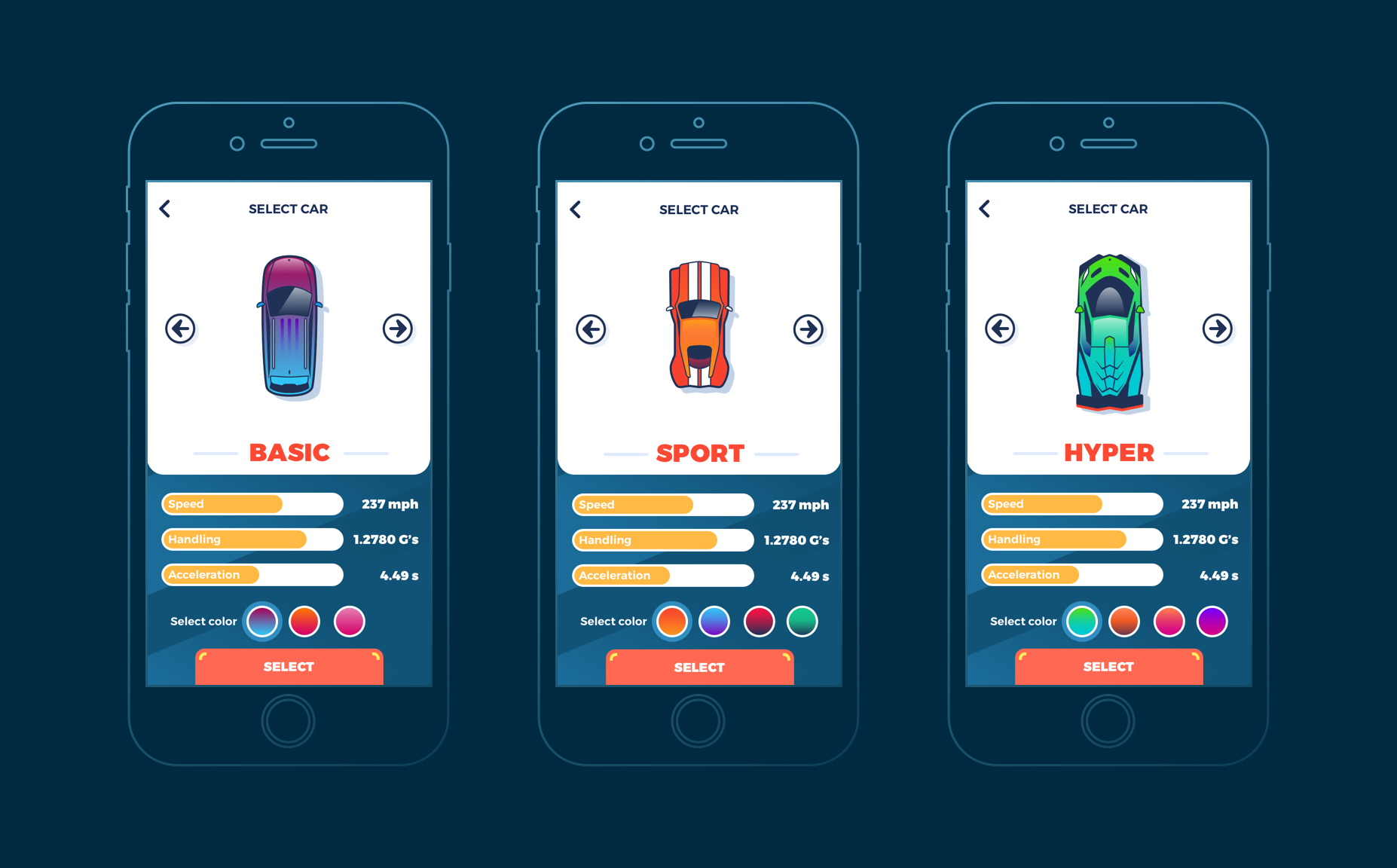
Image Credits - Tubik Blogs
What you'll learn:
- Learn from industry experts and master practitioners.
- Engage in hands-on, project-based learning experiences.
- Connect with a vibrant community of creatives and professionals.
- Receive a certificate to boost your portfolio and credentials.
Conclusion
The evolution of UI/UX in gaming has been a journey of transformation, shifting from simple static interfaces to highly adaptive, immersive experiences. As technology advances, the role of UI/UX will continue to grow, ensuring that gaming remains engaging, accessible, and seamless. Whether through AI-driven UI, AR overlays, or next-gen VR experiences, the future of gaming interfaces is boundless.
Level up your UI/UX skills! Learn to create stunning interfaces and seamless user experiences with our Advanced UI/UX Design Course. Boost your career and design products that stand out.
Enroll today at Kaarwan for more insights!
FAQs
1. Why is UI/UX important in gaming?
UI/UX determines how intuitive, engaging, and accessible a game is. A well-designed UI enhances immersion, while a poor UX can make even great gameplay frustrating.
2. How has game UI evolved over time?
Game UI has evolved from simple 8-bit score displays to adaptive, AI-powered, and immersive experiences tailored to player behavior.
3. What is diegetic UI in gaming?
Diegetic UI refers to interface elements that exist within the game world, like holographic menus or HUD elements displayed on a character’s gear.
4. How does accessibility impact gaming UX?
Accessibility features, such as customizable controls and colorblind modes, allow a broader audience to enjoy games without barriers.
5. What future trends will shape gaming UI/UX?
Future gaming UI/UX will be shaped by AI-powered personalization, AR/VR integration, and fully immersive, gesture-controlled experiences.




